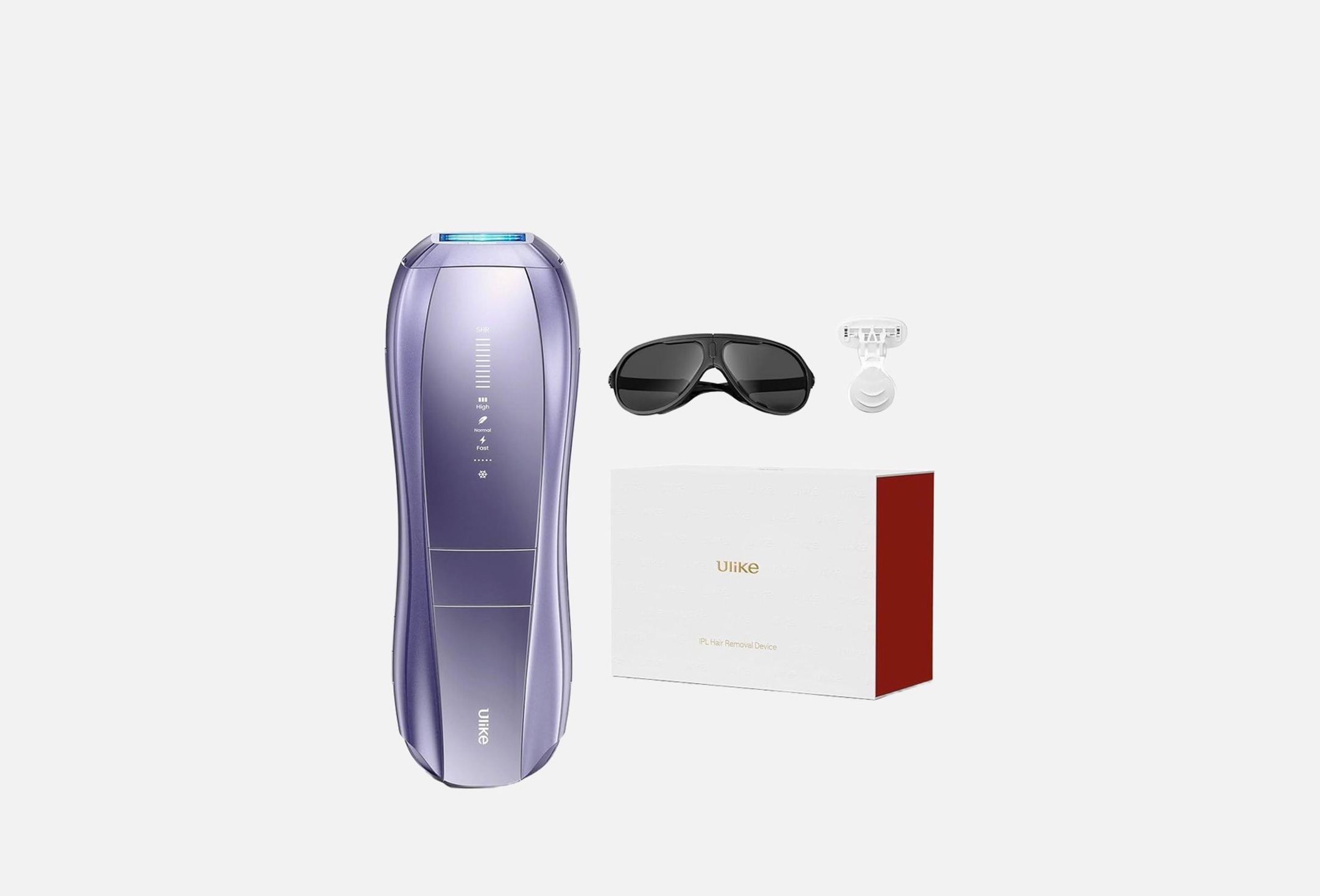
Make your care easier with the help of an IPL device, an intense pulsed light technology that removes hair and gives salon-level results right at your home. The dual light pulse system captures a large area, reducing the treatment time of the entire body to 10 minutes. You can choose one of the four intensity modes that suits you.
Thanks to the sapphire cooling technology, the skin remains comfortable and cool even after 30 minutes of work. The SkinSensor function automatically adjusts the power for safe use, and the SHR mode effectively handles even difficult areas, including the armpits and bikini area.
Weight – 535g
Number of modes – 4
Number of flashes – 900000
Energy output – 26J
The complete set:
Air 10 Laser Hair Removal, 1pc
IPL Glasses, 1pc
Razor, 1p
Adapter, 1pc
Power Cord, 1pc
Warranty: 12 months.
- product type
- photo epilator
- use for
- body
1. Shave the Treatment Area: Shave the areas you plan to treat to ensure the hair is no longer than 2mm. This allows the IPL to target hair follicles effectively without causing discomfort. After shaving, clean and dry the area completely.
2. Connect the Device to Power: Plug the power cord into the adapter, connect it to the device, and then plug the adapter into a power outlet. The Ulike Air 10 operates with a direct power supply.
3. Turn On the Device: Press and hold the power button for about 2 seconds to turn on the device. Indicator lights and air vents will activate, signaling that the device is ready for use.
4. Wear Protective Goggles: Put on the provided UV protective goggles to shield your eyes from the intense light flashes, especially when treating facial areas.
5. Perform a Patch Test: Before full treatment, conduct a patch test on a small area using the Fast Mode to ensure there are no adverse reactions. Wait for a period to monitor the skin's response.
6. Select the Appropriate Mode: The Ulike Air 10 offers several modes:
- Fast Mode: Default mode upon powering on; suitable for quick treatments.
- Normal Mode: Press the power button once to activate; ideal for arms and legs with fine to normal hair.
- High Mode: Press the power button again to activate; designed for areas with thicker hair like the chest or underarms.
- SHR (Super Hair Removal) Mode: Press the button next to the power button to activate; intended for stubborn hair and sensitive areas such as the bikini line.
7. Treat the Desired Area: Ensure the light window is in full contact with the skin. For larger areas, you can activate the AutoGlide Mode by pressing the large button on the front of the device; this mode doesn't work with SHR Mode. Move the device steadily across the skin, allowing it to emit pulses of light.
8. Turn Off the Device: After completing the treatment, press and hold the power button for 1-2 seconds to turn off the device.
9. Clean the Device: Wipe the light window with a clean, dry cloth to remove any residue. Proper cleaning ensures the device's effectiveness and longevity.
10. Moisturize Treated Areas: After treatment, apply a hydrating moisturizer to soothe the skin. Avoid sun exposure and use sunscreen if necessary.
Treatment Schedule:
• Weeks 1-4: Use the device three times per week.
• Weeks 5-12: Use once or twice every two weeks.
• Maintenance: After the initial 12-week cycle, use the device as needed to maintain results.
country of origin
China