PMD Beauty face Cleansing Device Clean Pro Cream 1 pcs
PMD Beauty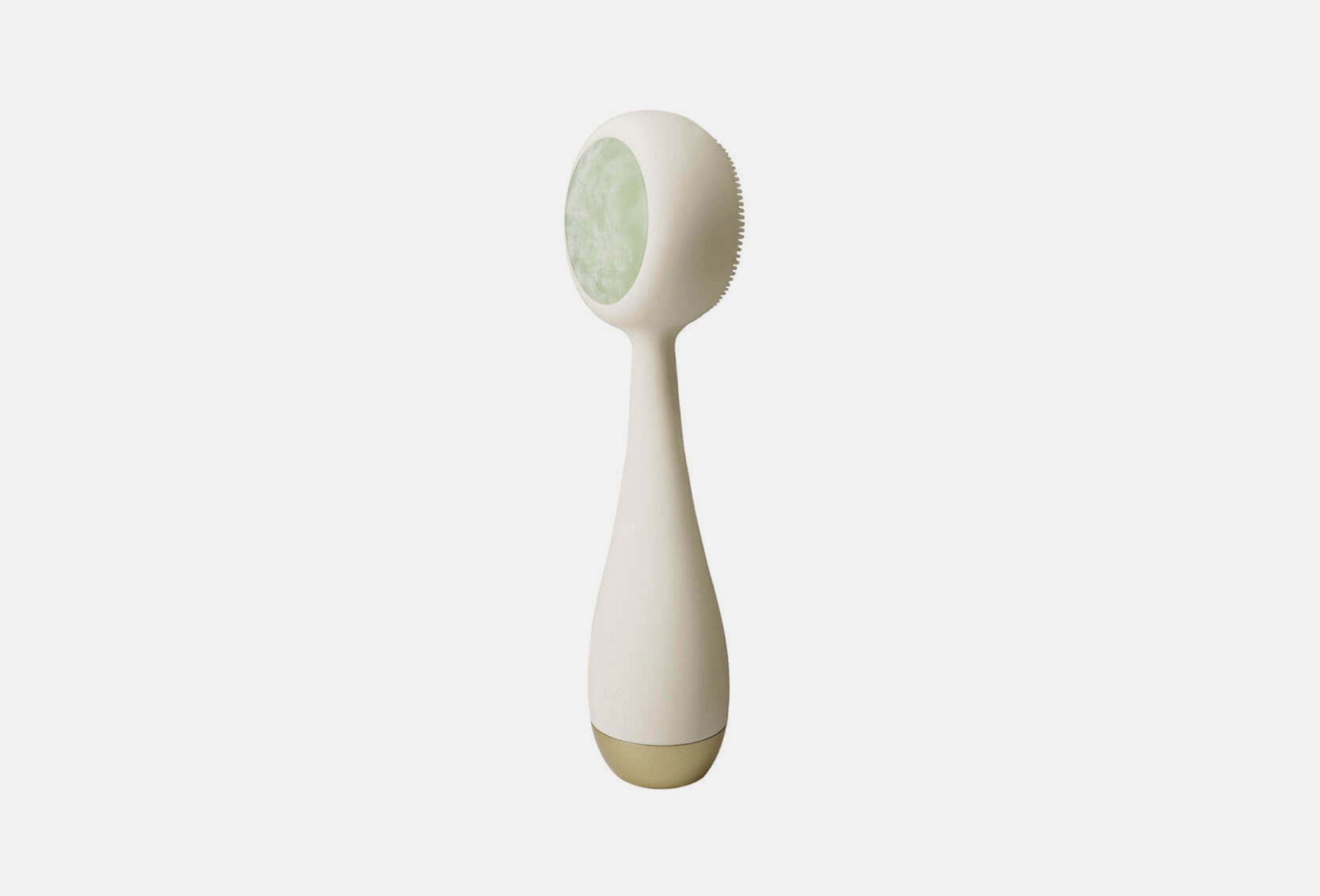
PMD Beauty Clean Pro Cream with Jade — a smart facial cleansing and massage device featuring a heated jade stone insert on the back side.
The brush, with 4 vibration modes, not only deeply cleanses the skin but also helps to lift, firm, and tone it.
The ActiveWarmth™ technology on the back of the device enhances the absorption and effectiveness of skincare products by allowing active ingredients to penetrate deeper into the skin.
One side of the brush is equipped with soft, short bristles suitable for all skin types.
The material is hypoallergenic, antibacterial silicone that is odor-resistant and fully waterproof.
The reverse side features a heated jade stone insert for effective anti-aging care and at-home thermotherapy.
With daily use, the Clean Pro Cream with Jade helps reduce inflammation, blackheads, and pore visibility, regulates sebum production, firms and tightens the skin, increases elasticity and hydration, reduces puffiness, slows down the aging process, and gives the skin a well-groomed, radiant appearance.
Benefits:
SonicGlow™ technology with 7,000 vibrations per minute
Hypoallergenic and antibacterial silicone
4 vibration modes
ActiveWarmth™ heating technology
Details:
The device is rechargeable, with one charge lasting up to two months when used once daily
Fully waterproof
1-year warranty
- product type
- cleansing device
- use for
- face
Step 1:
Rinse your face with water. Wet the device and apply the cleanser to your face or brush.
Turn on the device to the first or second mode and massage your face in slow circular movements, thereby cleansing the skin.
Step 2:
Remove any remaining cleanser from your skin and gently pat your face dry with a towel. Rinse the device and wipe it dry.
Step 3:
Turn on the ACTIVE WARM™ program - the button with a recess on the back side. After a couple of seconds it will start to heat up.
Step 4:
Apply skin care product to the back of the brush and lightly move along the massage lines. Use modes 3 or 4.
Instant Shutdown:
To instantly turn off the device, press the SonicGlow and ActiveWarmth buttons simultaneously for a short time.
Locking:
To lock a device that is turned off, hold down the SonicGlow and ActiveWarmth buttons simultaneously for 3 seconds. The light on the front power button will blink once for unlock and twice for lock.
To unlock, press the buttons again simultaneously for 3 seconds.
country of origin
United States of America
