PMD Beauty Face Cleansing Device Clean Pro Navy with gold 1 pcs
PMD Beauty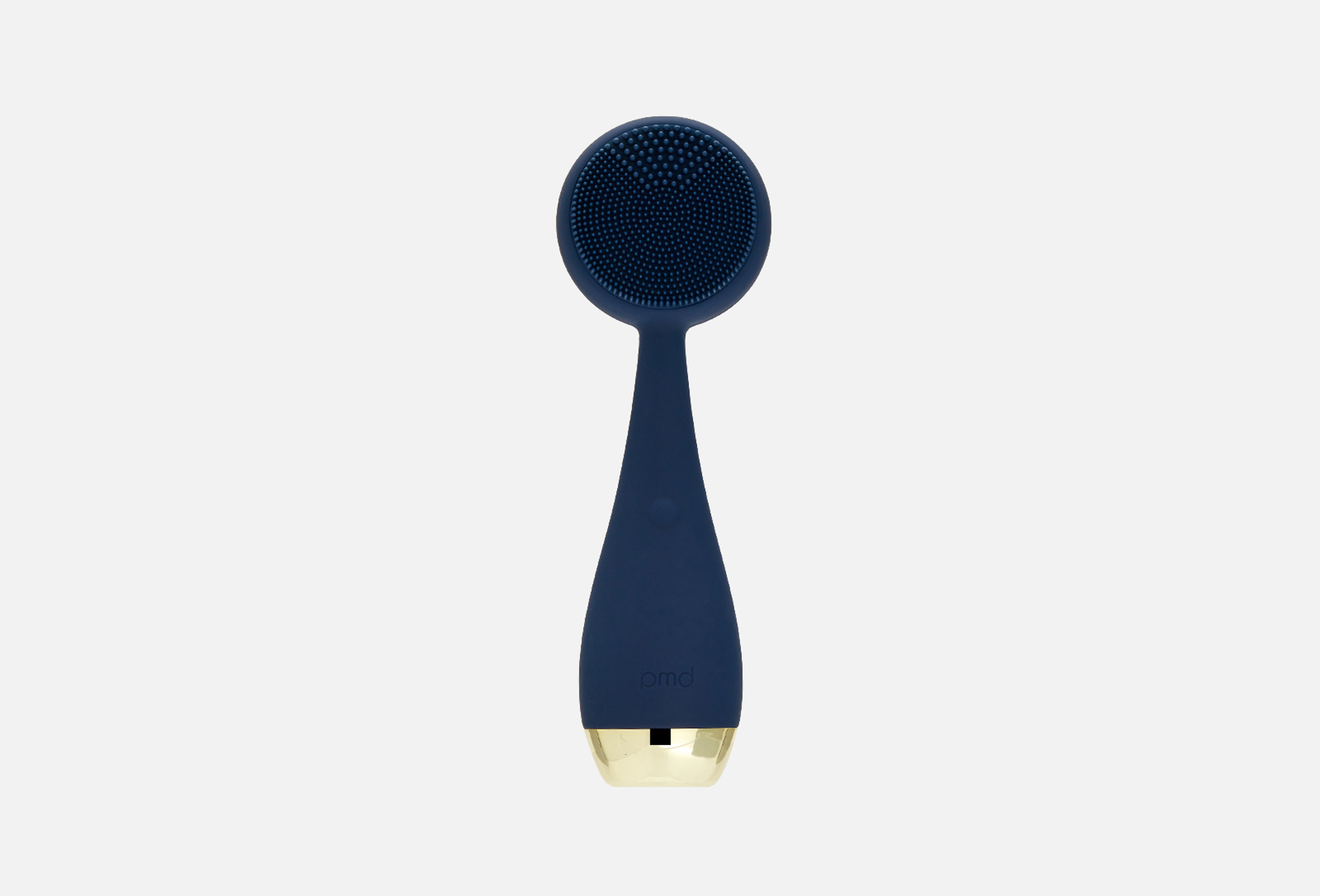
The PMD BEAUTY Clean Pro RQ Navy is a smart gadget for cleansing and massaging the face with a heated Aluminum insert on the back side. A brush with 4 vibration modes not only provides deep cleansing, but also helps tighten, strengthen and tone the skin.
With daily use, Clean PRO RQ Navy reduces the number of blackheads, regulates sebum production, tightens and tones the skin.
The second side of the device has a heated Aluminum insert for effective anti-aging care, stone therapy and thermotherapy at home. The use of this technology enhances the effect of the cosmetics used up to 20 times, promoting deeper penetration of active substances.
Key benefits:
SonicGlow™ technology with a vibration frequency of 7000 vibrations per minute;
Hypoallergenic and antibacterial silicone;
Has 4 vibration modes;
The first side of the brush with delicate short bristles is suitable for all skin types;
ACTIVE WARM™ technology;
Aluminum reduces stressful skin conditions, prevents the appearance of wrinkles, improves complexion and skin quality, relieves tension in facial muscles;
Powered by a rechargeable battery;
Waterproof.
The PMD BEAUTY Clean Pro RQ Navy includes:
Device (color blue);
Storage case;
USB charging cable.
- product type
- electric facial cleansing brush
- use for
- face
- effect
- cleansing
- water resistance
- yes
Step 1:
Rinse your face with water. Wet the device and apply the cleanser to your face or brush.
Turn on the device to the first or second mode and massage your face in slow circular movements, thereby cleansing the skin.
Step 2:
Remove any remaining cleanser from your skin and gently pat your face dry with a towel. Rinse the device and wipe it dry.
Step 3:
Turn on the ACTIVE WARM™ program - the button with a recess on the back side. After a couple of seconds it will start to heat up.
Step 4:
Apply skin care product to the back of the brush and lightly move along the massage lines. Use modes 3 or 4.
Instant Shutdown:
To instantly turn off the device, press the SonicGlow and ActiveWarmth buttons simultaneously for a short time.
Locking;
To lock a device that is turned off, hold down the SonicGlow and ActiveWarmth buttons simultaneously for 3 seconds. The light on the front power button will blink once for unlock and twice for lock.
To unlock, press the buttons again simultaneously for 3 seconds.
country of origin
United States of America
manufacturer:
PMD Beauty
